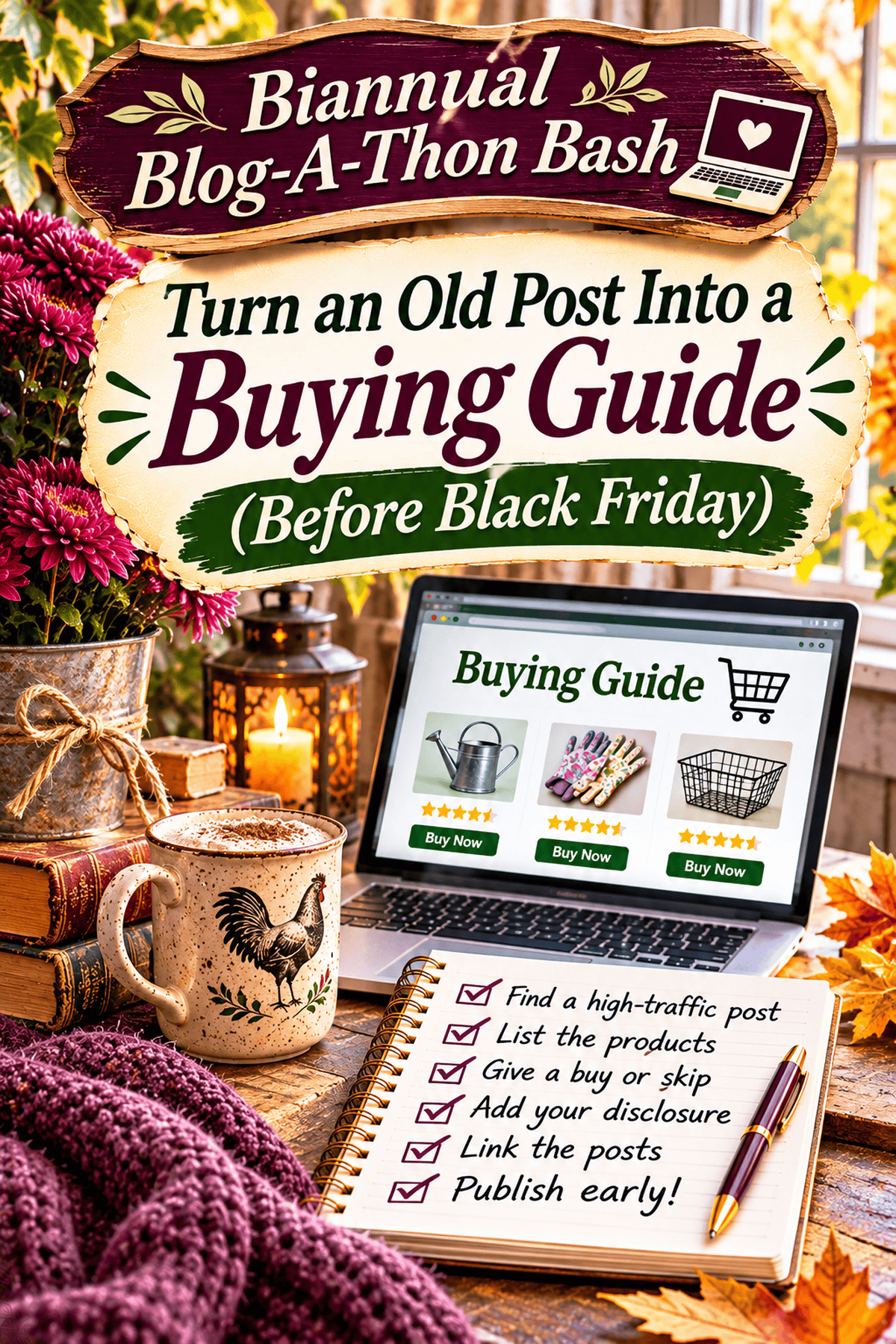
Your next buying guide may already be hiding in your archives. Before you write a brand-new Black Friday post, look at an older article that readers are still finding. It might be a recipe, tutorial, product review, gift idea, or supplies list. If it already answers a useful question and mentions products people might want to buy, you have a starting point.
This matters because a buying guide is not simply a collection of affiliate links. It helps someone decide what to purchase, what to skip, and why. A useful guide can turn an informational visit into a more practical next step without sacrificing the trust you built with the original article. It can also help readers who aren't buying anything: they still get an honest comparison and a clearer sense of what they need.
Here is a complete, do-it-yourself way to build one from an existing WordPress post before Black Friday. You can do the work yourself; no AI tool or paid plugin is required.
Step 1: Find an older post with the right kind of traffic
Open Google Analytics 4 and go to Reports → Engagement → Pages and screens. Set the date range to the last 90 days. If your report is organized by page title, use the search or filter to locate specific articles. Compare the same seasonal period last year using the date comparison option. If your GA4 navigation looks different, use Reports search to find Pages and screens.
Page views alone do not prove buying intent. Look for articles where readers need tools, materials, ingredients, equipment, or gifts to complete the task. A tutorial on making handmade holiday decorations, for example, might support a useful guide to the supplies and tools needed. A personal essay with high traffic but no relevant products probably will not.
If you use Google Search Console, open Performance → Search results, select the relevant date range, then use the Pages tab to examine clicks and impressions for candidates. Open the Queries tab after filtering to a page to see what searchers were actually looking for. Search Console and GA4 measure different things; do not treat clicks and page views as interchangeable.
Choose one article that has a real reader need, products you can discuss credibly, and a clear connection to the season. If you have no analytics data, use the articles that receive genuine reader questions or have consistently useful seasonal topics, and label the choice as an editorial test rather than a proven traffic winner.
Step 2: Turn product mentions into a reader-focused comparison
Read the original post and note each tool, ingredient, material, or product that someone would need. Then sort them into three practical groups: essential to complete the project, useful but optional, and not worth buying for this particular task. Do not pad the guide with products merely because they offer a commission.
For each worthwhile item, answer four questions in ordinary language: What problem does it solve? Who actually needs it? What would make you skip it? What is a reasonable alternative? Where you have personally used the item, explain what happened and whether you still use it. Where you have not tested it, say that plainly rather than implying a firsthand review.
Example: A holiday craft tutorial becomes a buying guide
Imagine an older tutorial for handmade ornaments. The companion buying guide could explain which basic scissors and adhesive are enough for a beginner, when a specialty cutting tool makes sense, which materials can be reused from supplies readers already own, and which expensive extras are unnecessary. This is an illustrative example, not a claim about the performance of any particular blog post.
A simple structure for each recommendation is: 'Best for,' 'Why I would choose it,' 'When I would skip it,' and 'Alternative.' A small, specific comparison is more helpful than a long product list with no reasoning.
Step 3: Decide whether to update the original or publish a companion guide
You do not always need two articles. If the original post is already a product review or buying guide, improve that page rather than creating a near-duplicate that competes with it. If the original is a hands-on tutorial or personal story and readers would benefit from a separate comparison, create a companion guide with a distinct purpose.
In WordPress, open Posts → All Posts, find the original, and select Edit. To improve it in place, update the relevant sections, keep its established URL unless there is a strong reason to change it, and preview before updating. For a separate guide, choose Posts → Add New, give it a clear title such as 'Supplies for Making Handmade Holiday Ornaments: What to Buy and Skip,' and build the comparison there. Save Draft while you work.
Do not copy entire paragraphs into the new guide. Let the tutorial teach the project; let the guide help readers choose supplies. That difference gives each page a job.
Step 4: Give a real buy-or-skip recommendation
For each item, say what you would purchase again, what you would not, and the circumstances that change your answer. A first-time crafter may need an inexpensive starter tool; someone making dozens of products may benefit from a more durable one. State the trade-off instead of calling everything the 'best.'
Check whether a product is still sold and whether the linked listing matches the model or version you are describing. Do not copy a price into the article unless you plan to maintain it; prices, availability, and promotions can change. If an old product has been discontinued, say so and explain what features readers should look for in an alternative.
Step 5: Disclose affiliate relationships and check every link
Place a clear affiliate disclosure where readers will see it before they encounter affiliate recommendations. For example: 'This post contains affiliate links. If you purchase through them, I may earn a commission at no additional cost to you.' Adapt the statement to the actual relationships involved; a general disclosure page alone is not a substitute for a clear disclosure near the recommendation.
In WordPress, highlight the descriptive text you want to link, select the link control in the block editor, paste the destination, and confirm it. If a link is paid or affiliate, use the appropriate sponsored relationship attribute where supported. In the block editor, select the linked text and inspect its link settings; if your editor or affiliate plugin does not expose the needed setting, use the link's HTML representation or the plugin's documented controls to ensure rel="sponsored" is present. Do not change unrelated links.
Open each destination and confirm that it works, leads to the correct product, and does not silently redirect to an unrelated listing. Check your affiliate program's current rules before using product photos, prices, or link formats. Keep your own original photographs and honest observations whenever possible.
For a broader Black Friday plan, see Black Friday Affiliate Marketing: A Practical Strategy for Bloggers.
Step 6: Connect the two articles without creating a maze
If you made a separate guide, add one natural link near the relevant part of the original article: 'Need help choosing the supplies? See my guide to what to buy and what to skip.' Then link from the guide back to the original tutorial where readers can follow the project. Use descriptive anchor text, not 'click here.'
In WordPress, edit each post, highlight the appropriate phrase, select the link control, paste the other post's URL, and save. Preview both pages to confirm that the links go to the right places. You do not need a fixed number of internal links, and you should not force unrelated links into the article.
Step 7: Publish, check indexing, and measure what actually changes
Publishing before Black Friday gives the page time to be discovered, but it does not guarantee indexing, rankings, clicks, or commissions. After publication, confirm that the page loads on mobile, images have meaningful alt text, links work, and the disclosure is visible. If the article is intended to appear in search, check that it is not set to noindex and that it is not blocked from crawling.
In Google Search Console, use URL Inspection to check the exact published URL. You can request indexing if appropriate, but a request does not guarantee inclusion. Recheck the article after a week or two for errors, and compare page performance over time rather than assuming a sale or traffic increase was caused by the guide.
Look at the measures that match your goal: search impressions and clicks, page views, outbound affiliate clicks if you track them, and actual conversions in your affiliate dashboard. A guide may be useful to readers even if it does not earn immediately. If the guide attracts visits but no clicks, revisit the recommendations and link placement. If links get clicks but no sales, check product relevance, availability, and the merchant experience before rewriting the whole article.
Troubleshooting: When the buying guide is not working
| What you notice | What to check | Practical fix |
|---|---|---|
| The new guide is not in Google | URL Inspection, indexing settings, crawl access | Fix a technical block if one exists; allow time for discovery |
| Visitors read but do not click | Product fit, clarity, link placement | Explain who each item is for and make relevant links easy to find |
| Affiliate clicks but few purchases | Wrong product, stock, price, merchant page | Check destinations and reader intent; do not promise conversion |
| The guide repeats the original | Search intent and duplicated sections | Consolidate or make the guide a distinct comparison |
| Readers ask the same question | Missing size, compatibility, alternatives or limitations | Add the answer where it belongs in the guide |
A realistic Black Friday timeline
This week: identify one promising old post, verify what readers need, and write the buy-or-skip comparison. Before publishing: check disclosures, product destinations, images, and reciprocal links. After publishing: inspect the live page and monitor search and affiliate results. Revisit the guide after Black Friday to remove expired promotions and keep the evergreen advice useful.
You do not have to complete an entire archive makeover to make progress. One accurate, useful guide is a better outcome than five rushed lists of affiliate links.
Work on it with us
Want to put these ideas into practice? Join us in the Building Better Blogs community for practical blogging challenges. You can also take part in the Biannual Blogathon Bash to set aside dedicated time for improving your blog. For more ideas to help you prepare, explore these Black Friday blogging strategies.
Now tell me: which older post on your blog is still attracting readers, and would a separate buying guide genuinely help them?




Leave a Reply